
B2B SaaS Product Demo vs. Explainer Video: Which One Do You Need?
In the fast-paced world of software marketing, you only have seconds to capture a visitor’s attention, explain your product’s value, and persuade them to sign up. When looking at video marketing to drive conversions, B2B software founders and marketers invariably face a common question: Should we build a product demo video or a SaaS explainer video?
While both formats are highly effective, they serve different audiences at different stages of the buying journey. Using the wrong format at the wrong time can result in high drop-off rates and lost sign-ups.
Here is a complete breakdown of the differences between a product demo vs explainer video, how to evaluate your budget using our SaaS explainer video cost guide, and how to choose the right format for your growth strategy.
01. What is a B2B SaaS Explainer Video?
A SaaS explainer video focuses on the “Why.”
It is a short, engaging video (usually 60 to 90 seconds) that introduces a core business problem and presents your software as the ultimate solution. Rather than getting bogged down in menus, buttons, and settings, an explainer video uses storytelling, custom 2D or 3D graphics, and metaphors to explain the high-level benefit of your platform.
Key Characteristics of an Explainer Video:
-
Length: 60 to 90 seconds.
-
Focus: Problem-solution fit.
-
Style: Sleek 3D motion graphics.
-
Placement: Homepage above-fold.
02. What is a B2B SaaS Product Demo Video?
A SaaS product demo video focuses on the “How.”
It is a walkthrough (usually 2 to 5 minutes) that guides the viewer through the actual user interface of your software. A product demo validates the claims made in your marketing copy by showing your product in action—showing exactly how a user performs tasks, navigates dashboards, and achieves results.
Key Characteristics of a Product Demo:
-
Length: 2 to 5 minutes.
-
Focus: Detailed UI highlights.
-
Style: HD zooms & UI captures.
-
Placement: Product features pages.
Product Demo vs. Explainer Video: The Quick Comparison
| Feature | SaaS Explainer Video | SaaS Product Demo Video |
|---|---|---|
| Primary Goal | Capture attention & explain value | Validate functionality & drive trials |
| Typical Length | 60 – 90 seconds | 2 – 5 minutes |
| Target Audience | Cold prospects / Early leads | Warm prospects / Trial users |
| Key Question | “Why should I care about this tool?” | “How does this software actually work?” |
| Funnel Stage | Top of Funnel (Awareness) | Middle/Bottom of Funnel (Evaluation) |
How to Match the Video to Your Buyer’s Journey
To maximize conversions, you need to deliver the right content depending on how close a prospect is to buying.
1. Awareness Stage
If a user has never heard of your brand, they do not want to see a 5-minute screen recording of your settings panel. They want to know if you understand their pain points.
Recommendation: Use a high-end SaaS explainer video production agency to build a custom 3D or 2D explainer for your homepage to hook visitors immediately.
2. Consideration Stage
Once a user understands the value and is comparing you to competitors, they need validation. They want to see if your software is easy to use, has the integrations they need, and fits their workflow.
Recommendation: Create a series of short, feature-specific product demo clips to place on your secondary product pages.
The Hybrid Solution: 3D UI Walkthroughs
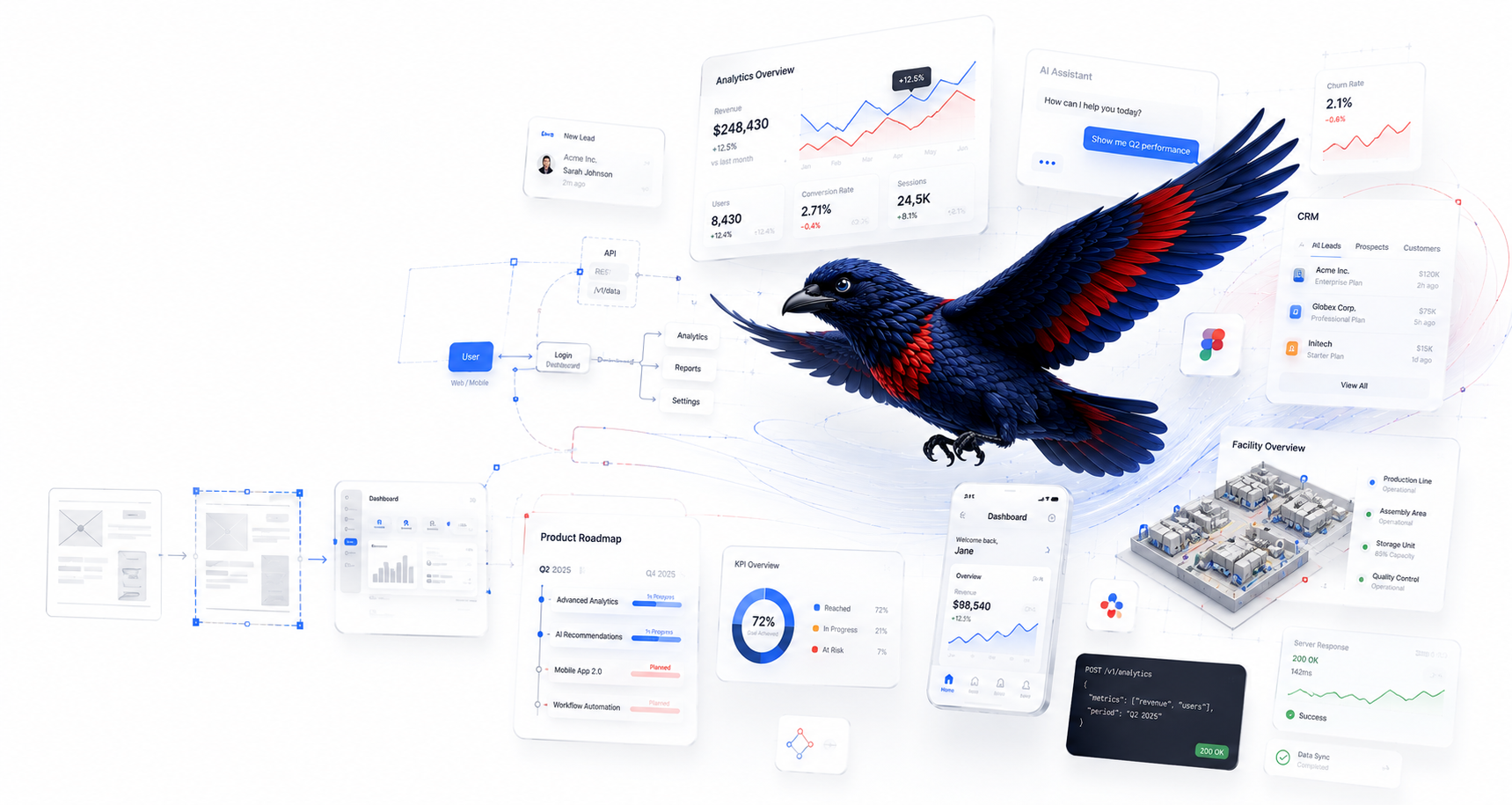
Many modern tech brands are combining these two styles. By using custom 3D animation, you can showcase your software interface inside a stylized, beautiful explainer video. This allows you to explain the problem-solution hook while giving the viewer a polished, visually stunning preview of the actual interface.
Ready to Turn Your Product into a High-Converting Story?
At North Animation Studio, we turn complex SaaS products, medical devices, and industrial technology into clear, high-converting visual stories. Calculate your tailored project quote in under 60 seconds.